Virtual Assistant Invoice Template
Monthly hours and task groups
Pick a free invoice template for Google Docs. Click Make a Copy. Fill in the client, work, rate, and due date. Export a PDF and send it. No signup. No subscription. No accounting software.
Monthly hours and task groups
Call-out fees, labor, and parts
Packages, calls, and retainers
Dates, hours, and reimbursement items
Matter codes, time entries, and costs
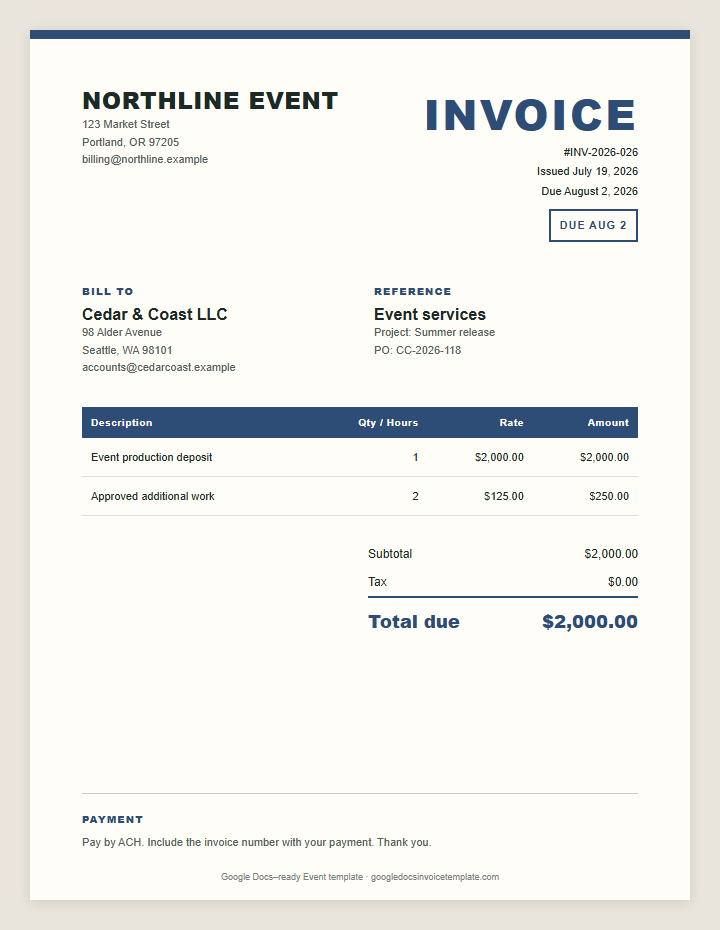
Deposits, vendors, and event-day work
Use a general design or pick one built around the way you bill. Every file includes the fields a client needs to approve the work and pay the bill.
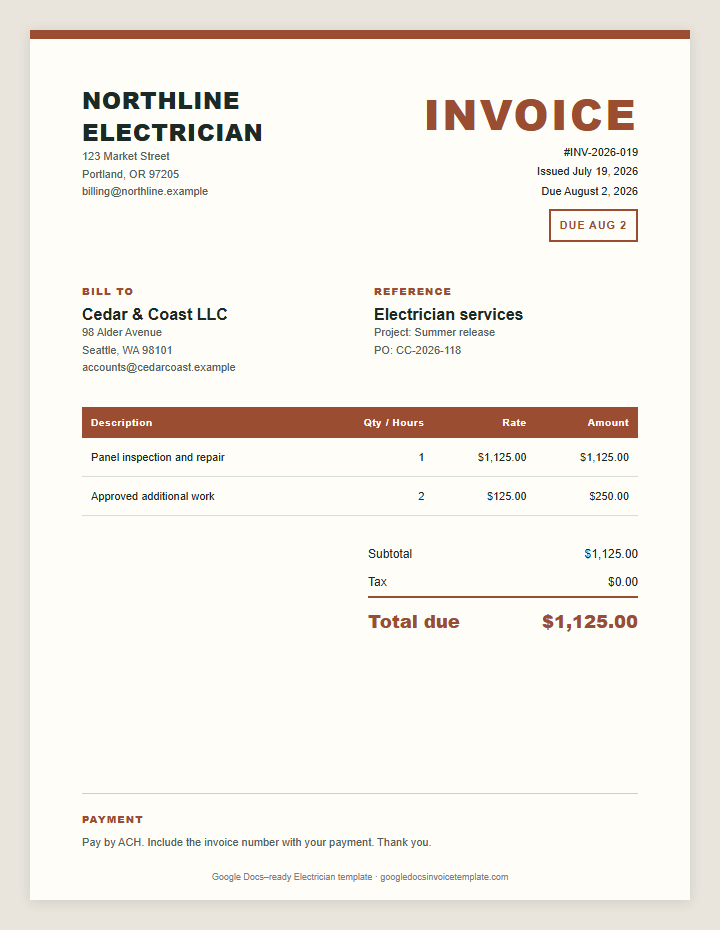
Labor, fixtures, and permits
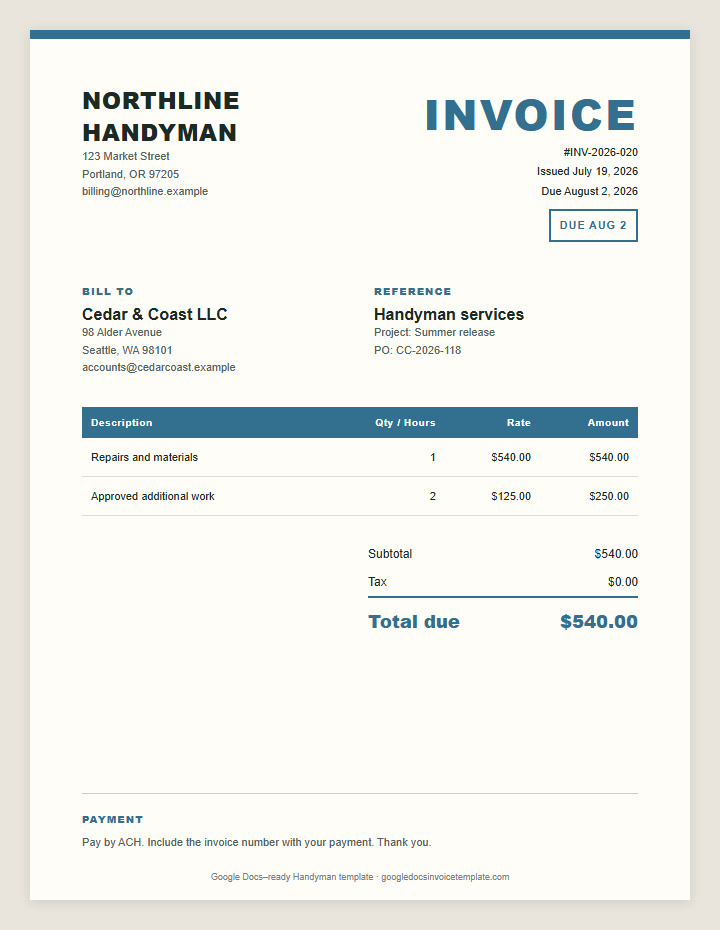
Small jobs, parts, and time
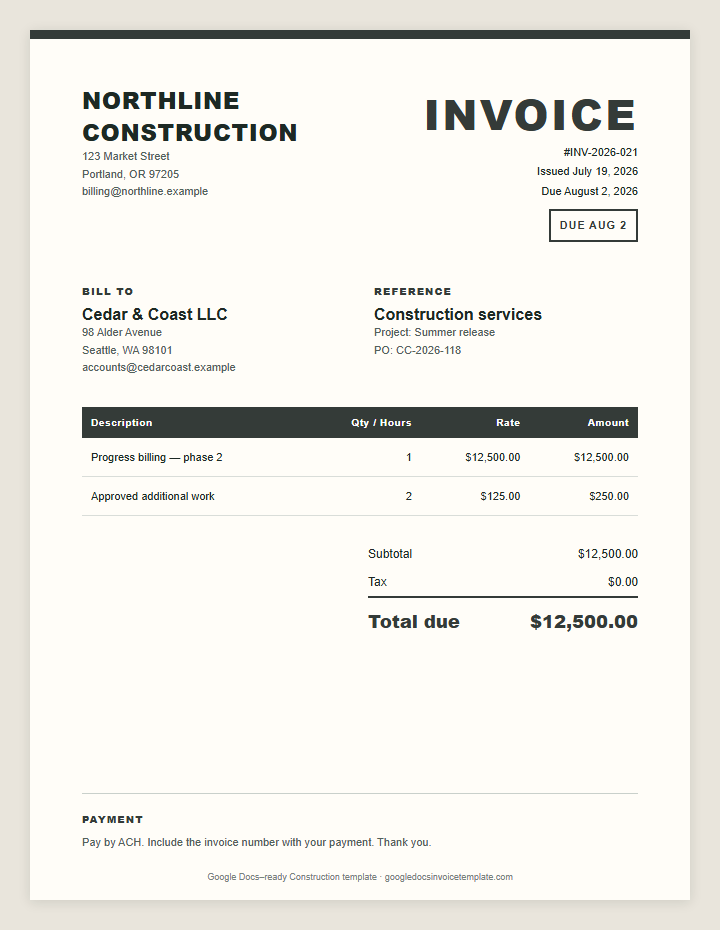
Progress billing and change orders
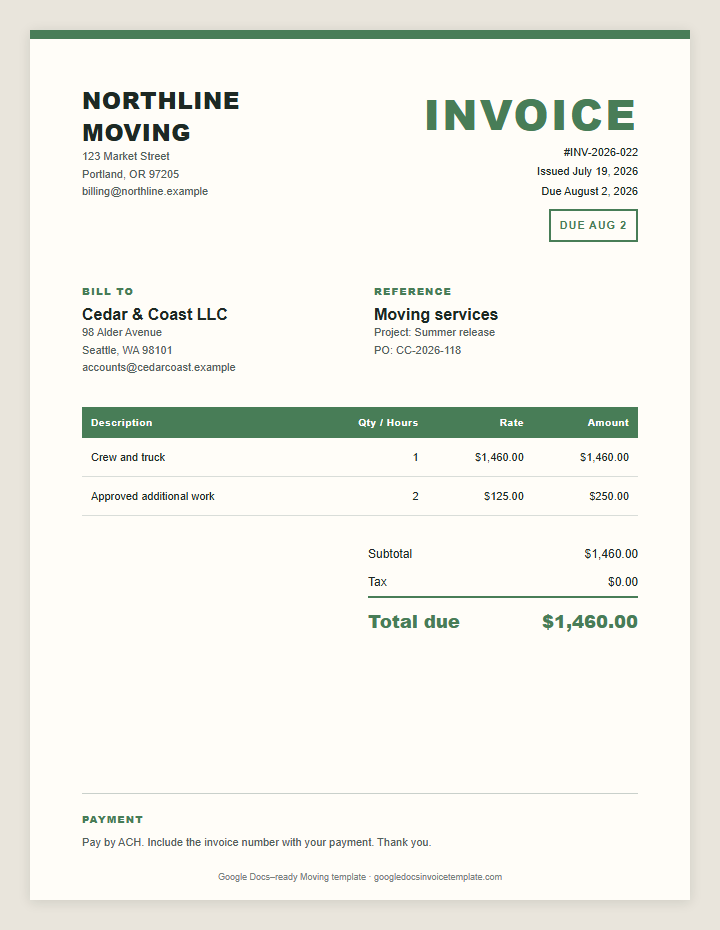
Crew hours, truck fees, and mileage
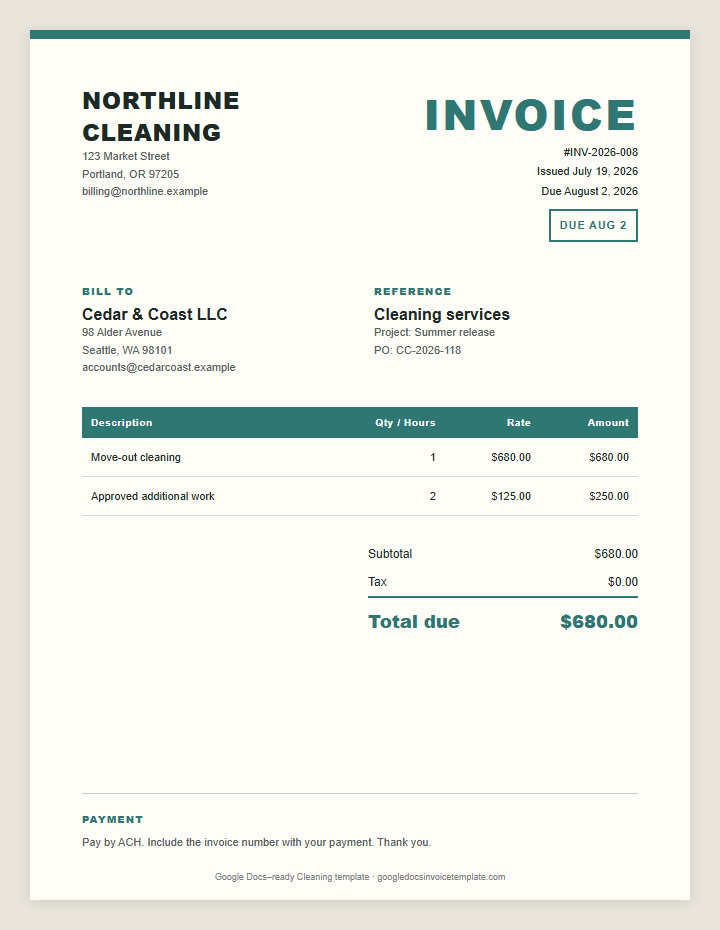
Visits, rooms, add-ons, and supplies
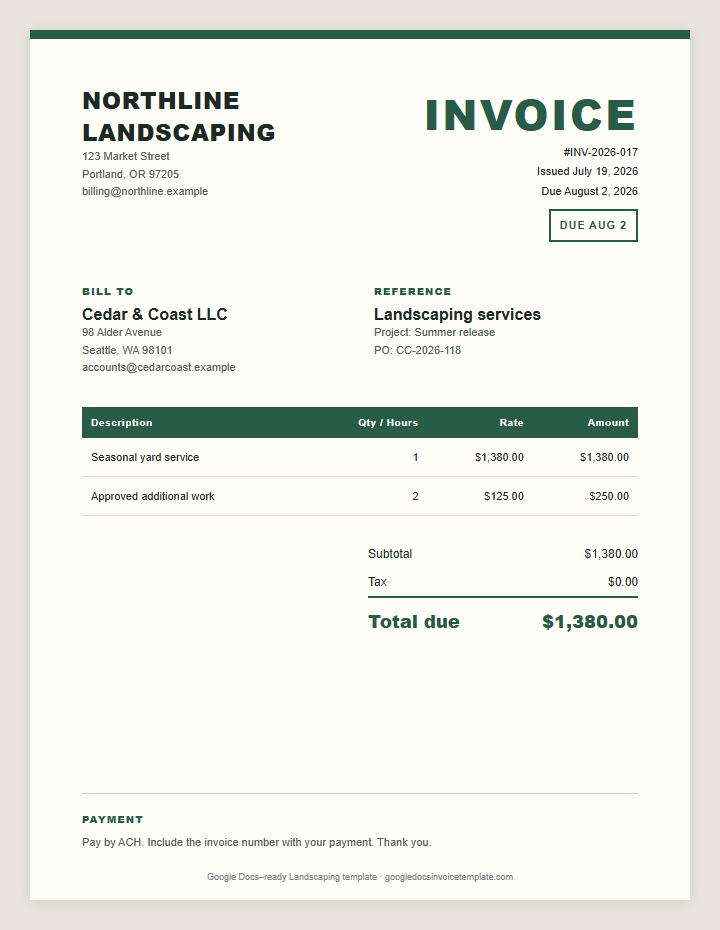
Crew time, materials, and haul-away
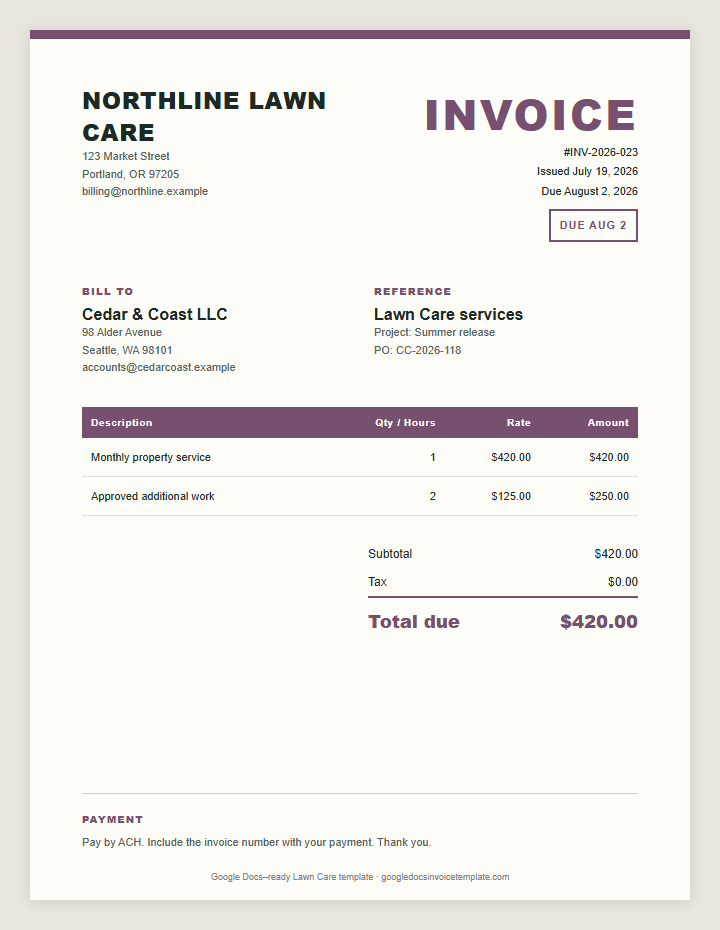
Recurring visits and seasonal work
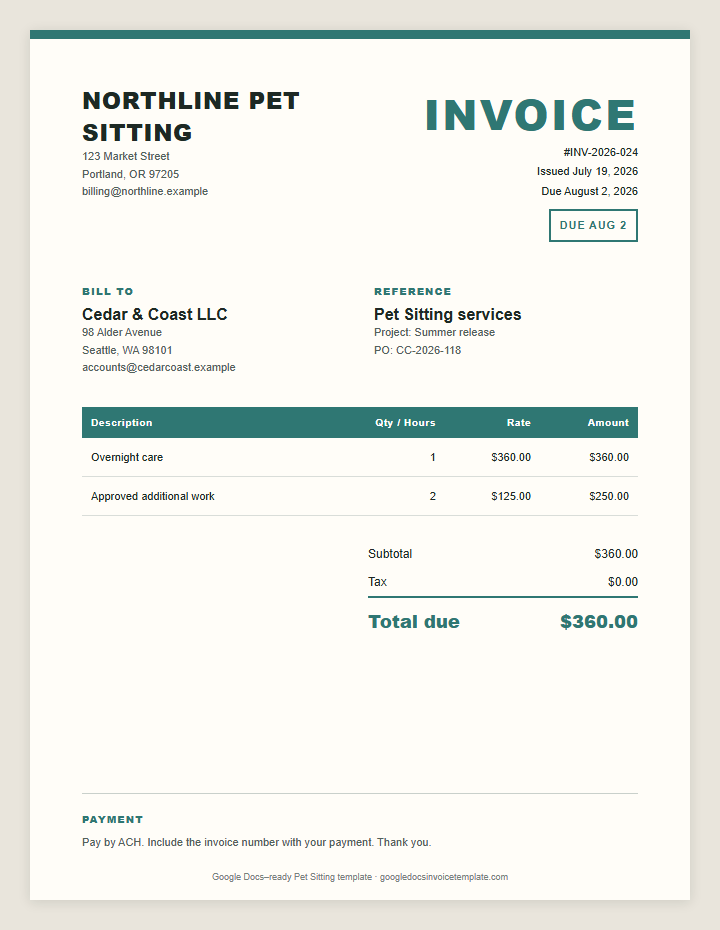
Visits, overnights, and extras
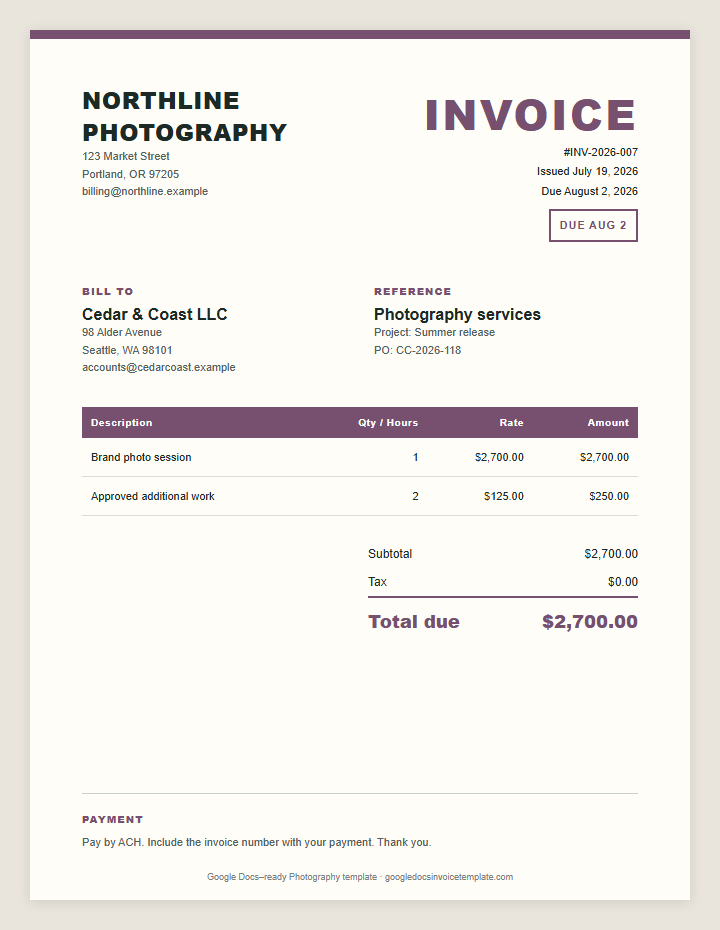
Shoot fees, editing, usage, and prints
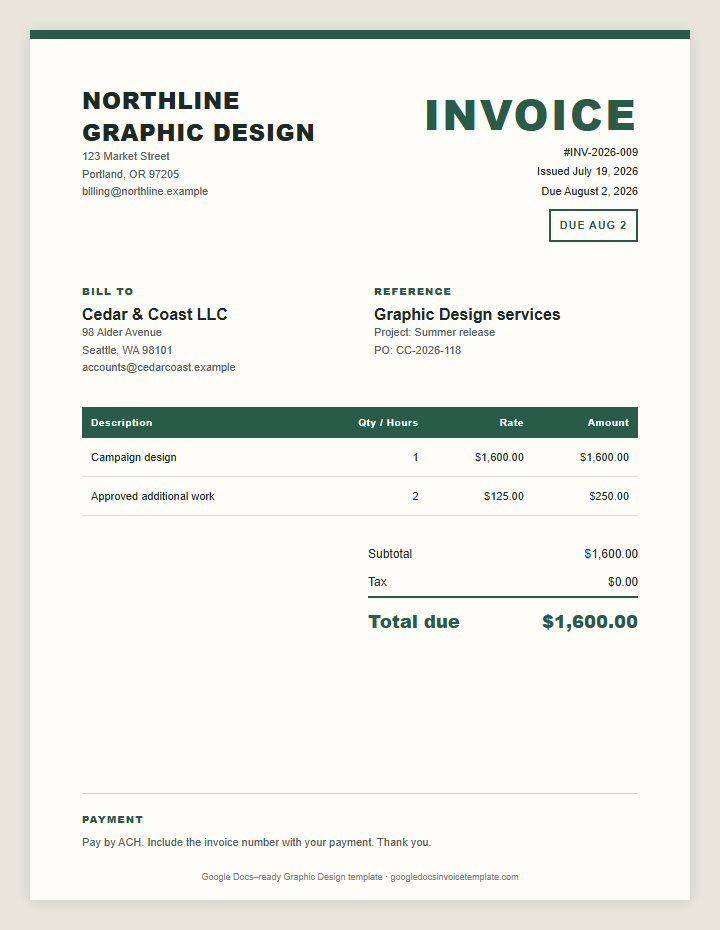
Concepts, production, and licensing
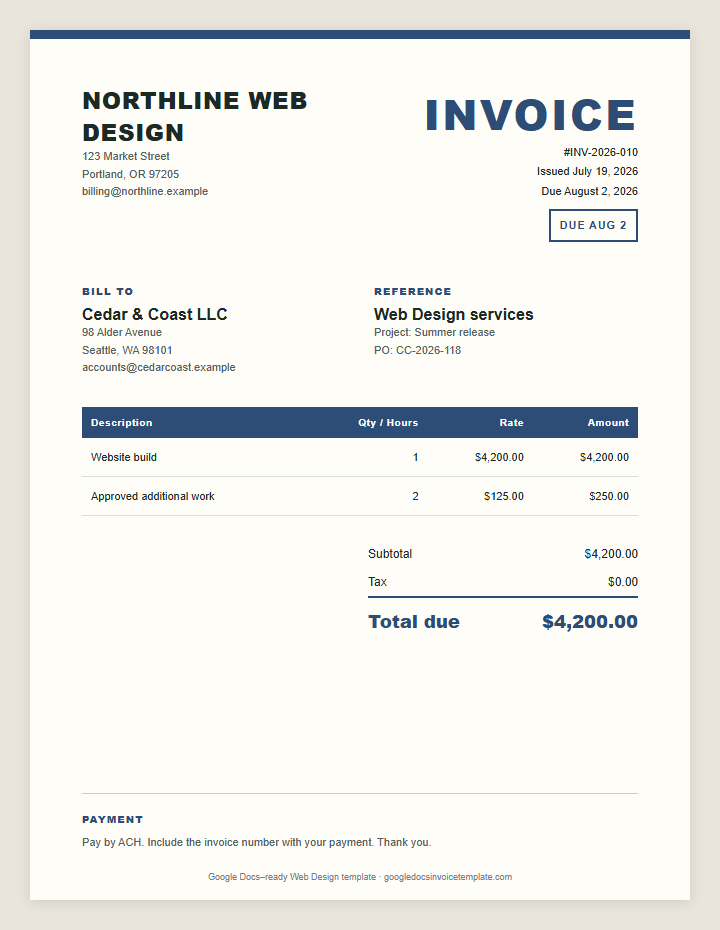
Discovery, build, QA, and launch
Sessions, performance fees, and equipment
Retainers, workshops, and project fees
Sessions, subjects, and hourly rates
Milestones, deliverables, and revisions
Deliverables, word counts, and revisions
Campaigns, media, and management fees
Sprints, fixes, and support hours
Labor and materials on separate lines
Services, dates, and payment details
Rental period, deposits, and fees
Guest counts, menu items, and staffing
Payment received and balance remaining
Hours multiplied by a clear rate
A clean starting point for any service
One-page invoices with no extra fields
Every layout below is a Google Docs file you can copy in one click. Start from the group closest to how you earn, then adjust the fields to your own billing style.
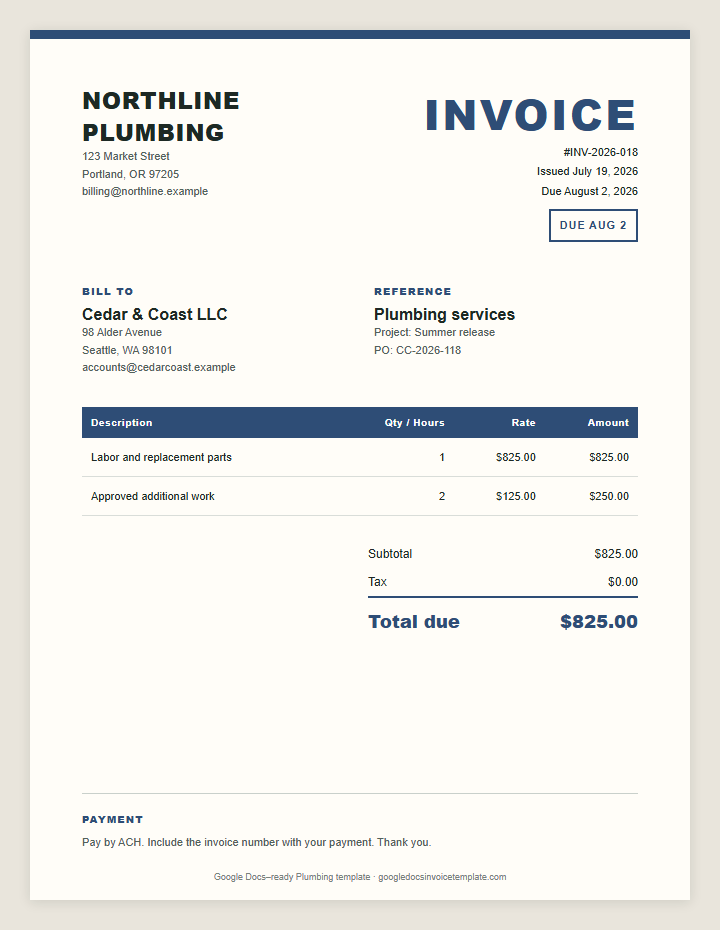
Plumbers, electricians, handymen, builders, and movers bill call-out fees, labor, parts, and mileage. The plumbing bill template separates labor from materials the way accounts-payable teams expect, and the other trade layouts follow the same structure.
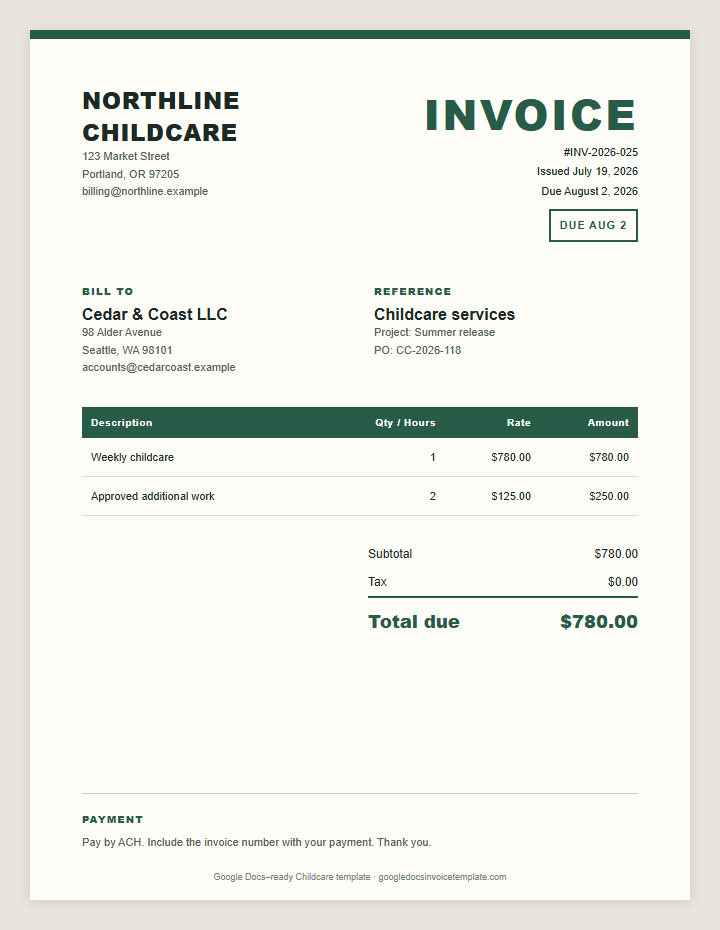
Cleaning crews, landscapers, lawn care pros, pet sitters, and childcare providers usually bill by visit, week, or month. Use the invoice template for childcare when dates, hours, and reimbursement items all matter on one page.
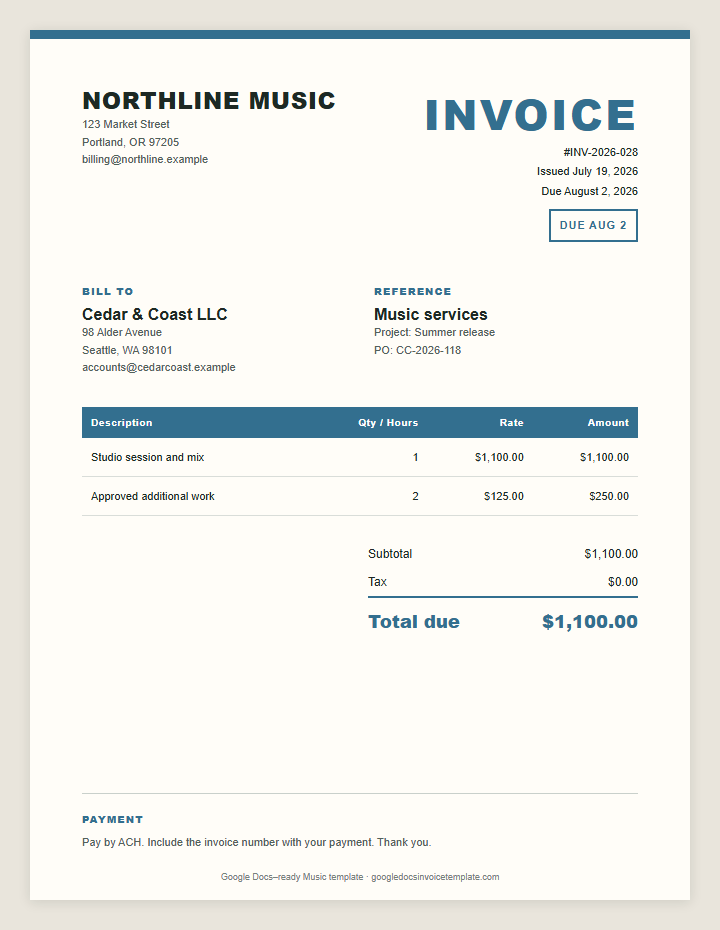
Photographers, designers, web designers, musicians, and event planners often mix deposits, licensing, and day-of fees. The invoice template for photography shows how to split a booking deposit from the remaining balance.
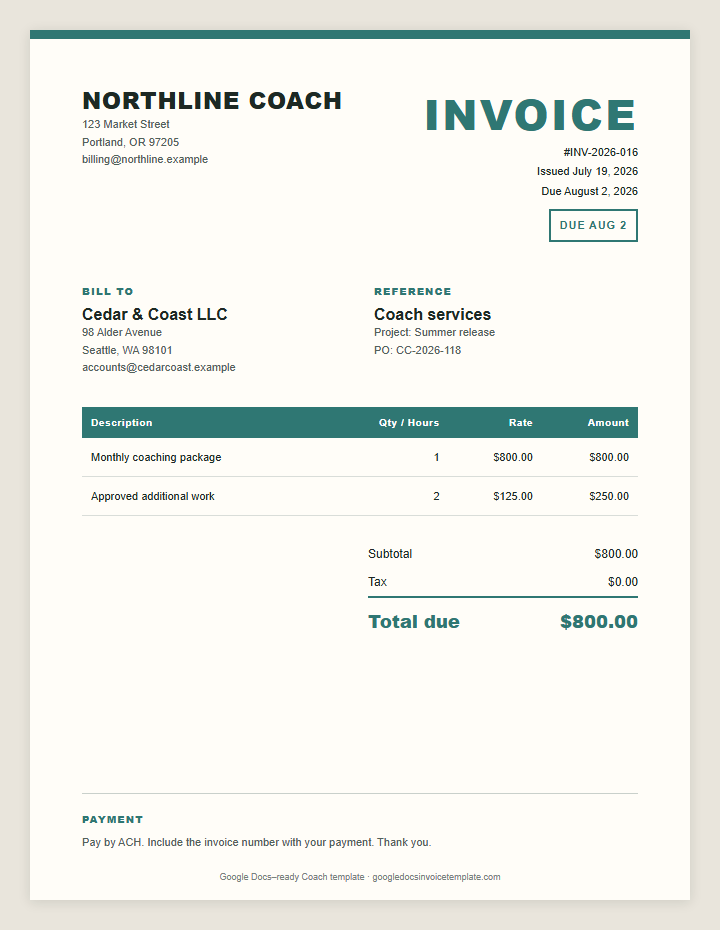
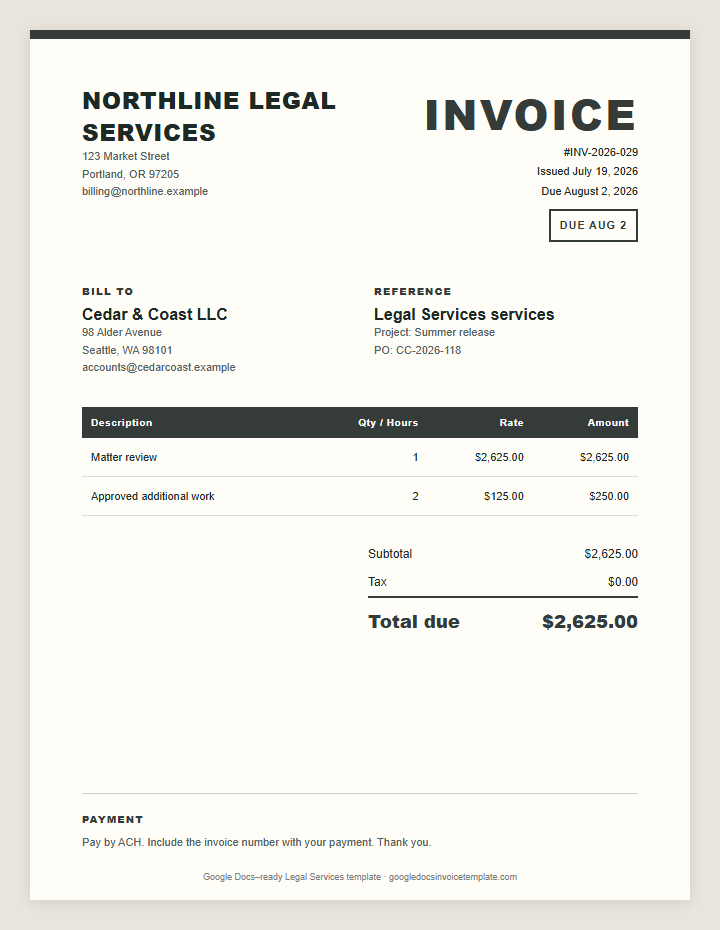
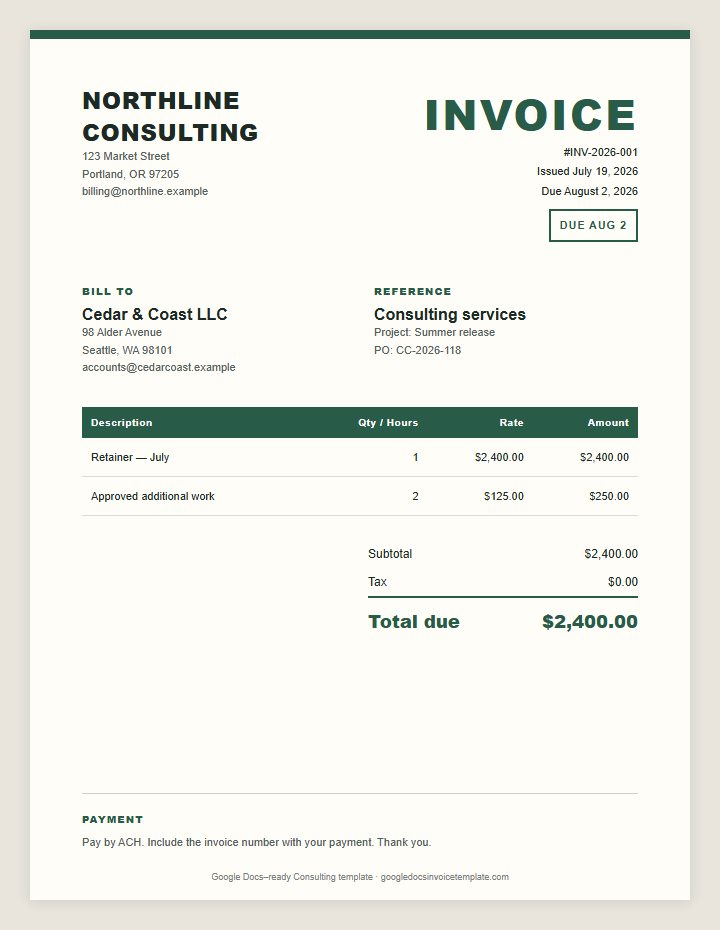
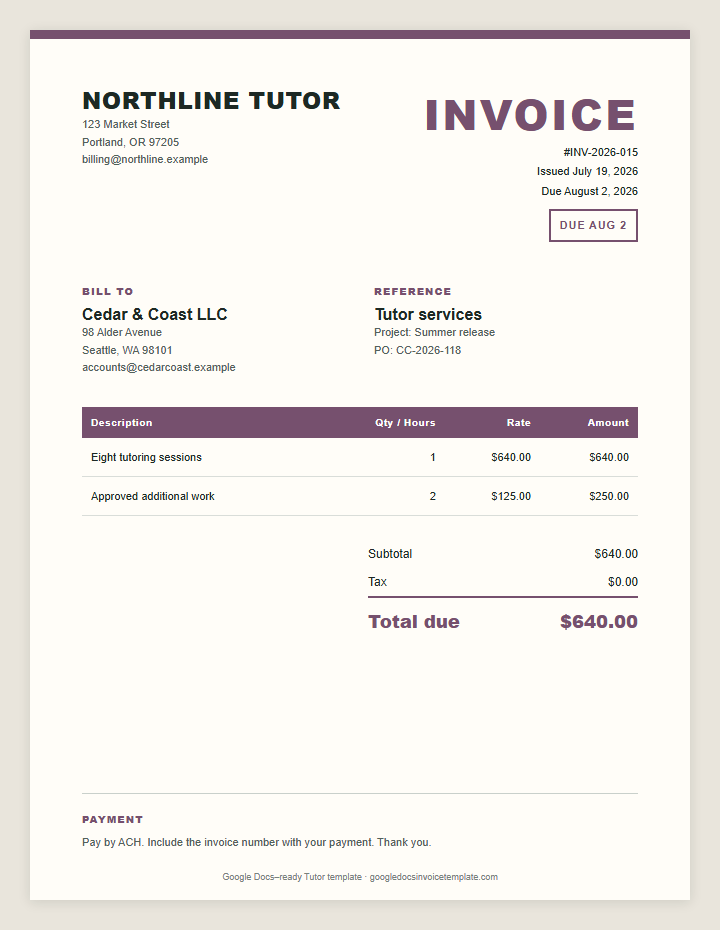
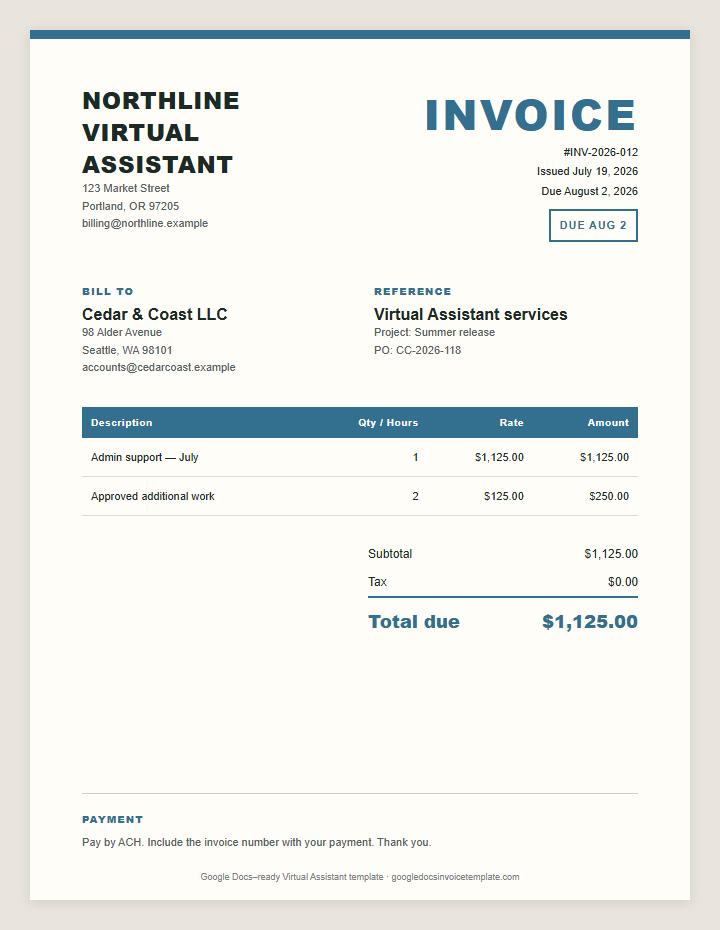
Consultants, coaches, tutors, legal practices, and virtual assistants sell time and expertise. The virtual assistant invoice groups monthly hours and tasks so a retainer client can see exactly what the fee covered.
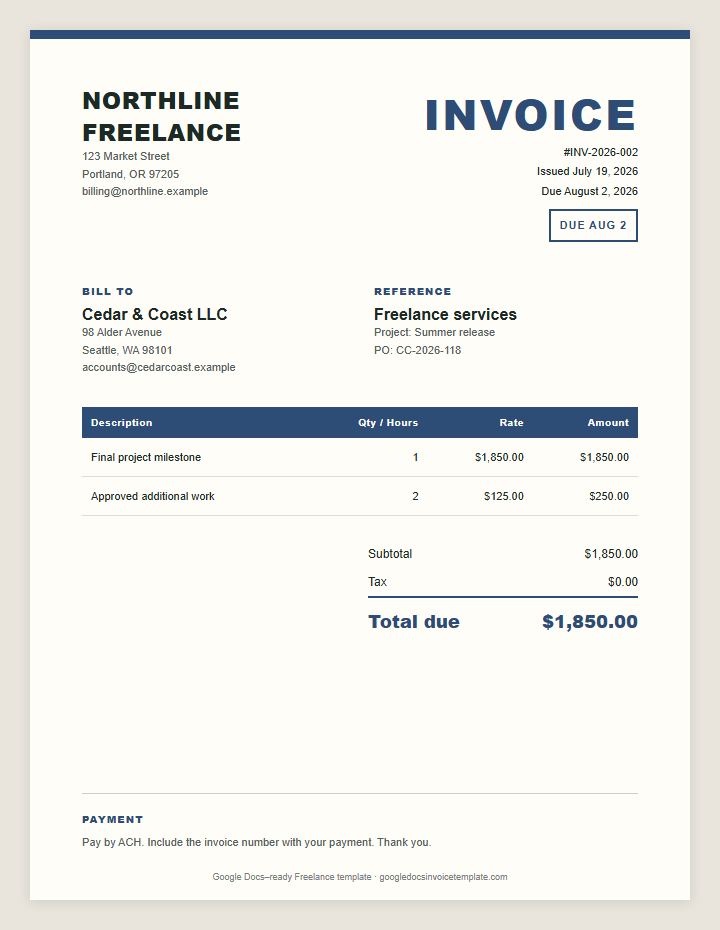
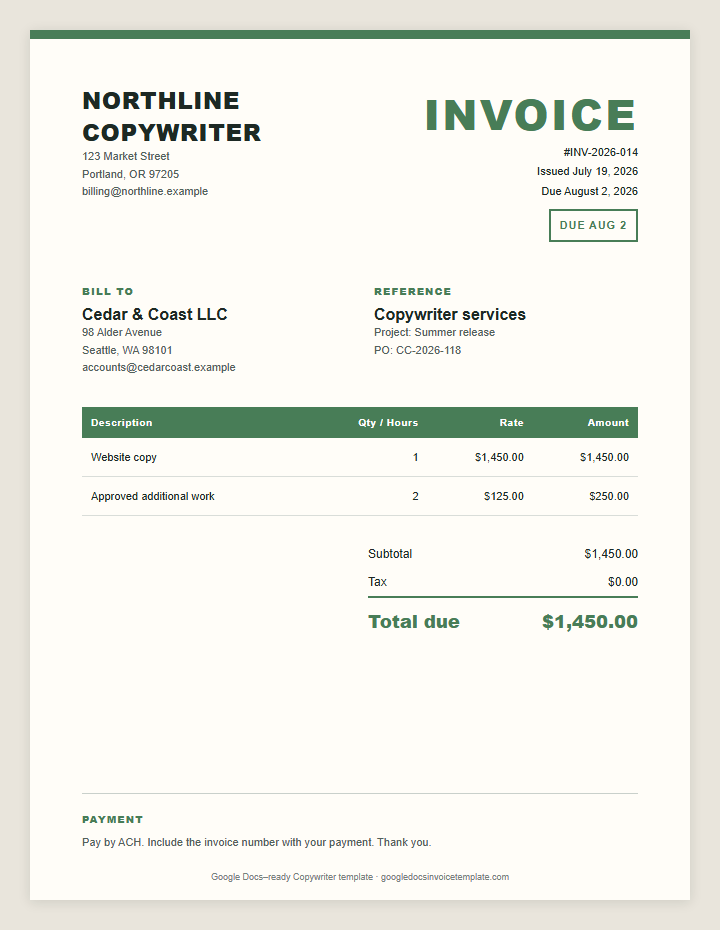
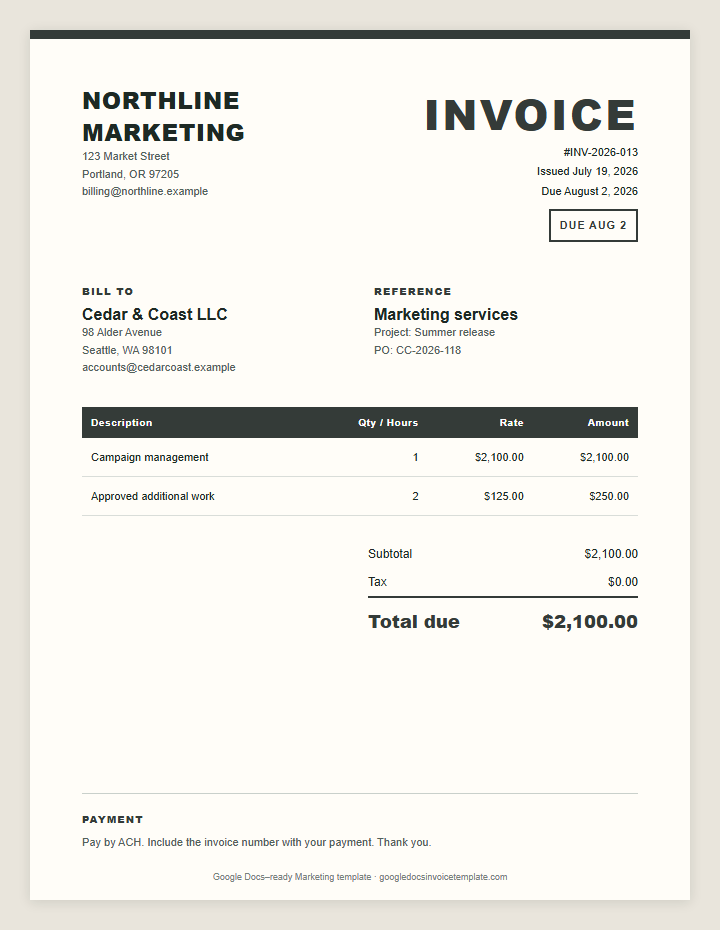
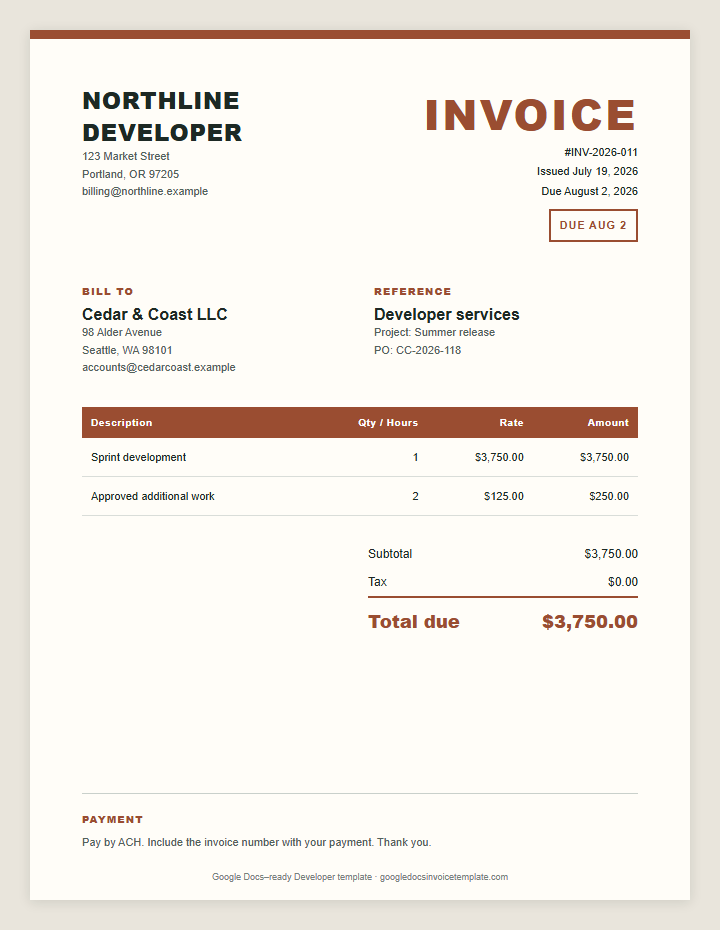
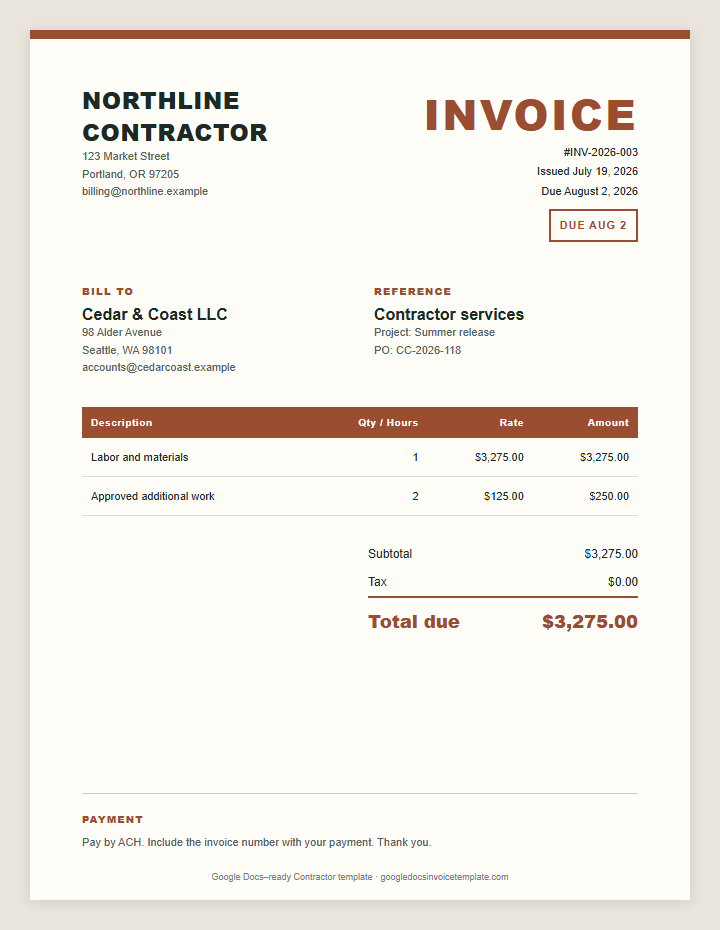
Writers, developers, marketers, and independent contractors live on milestones and deliverables. The freelancer invoice template names each deliverable and shows the deposit already paid next to the balance due.
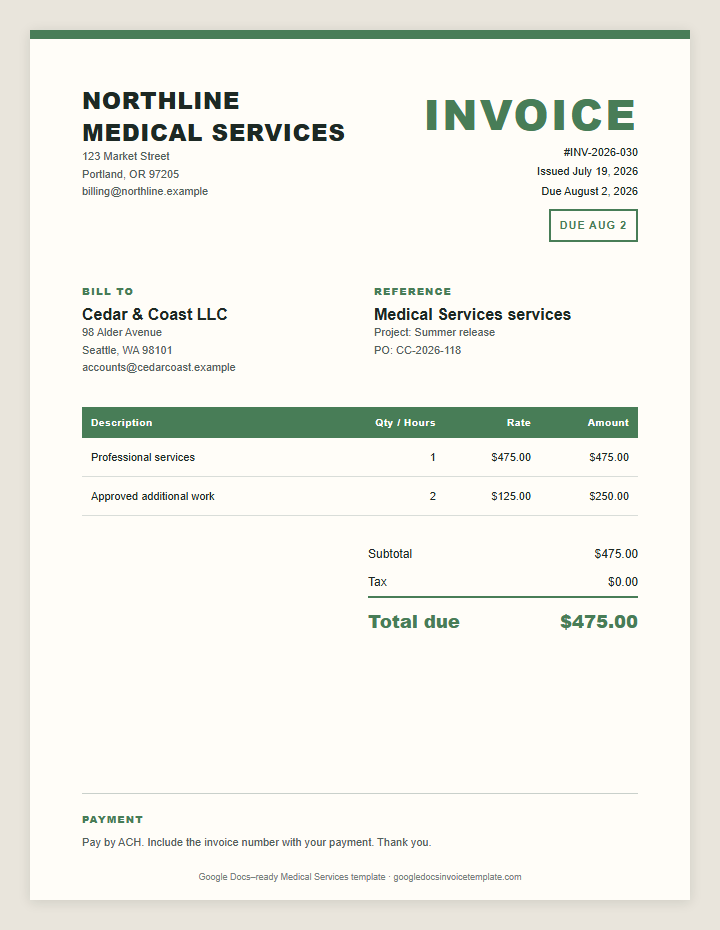
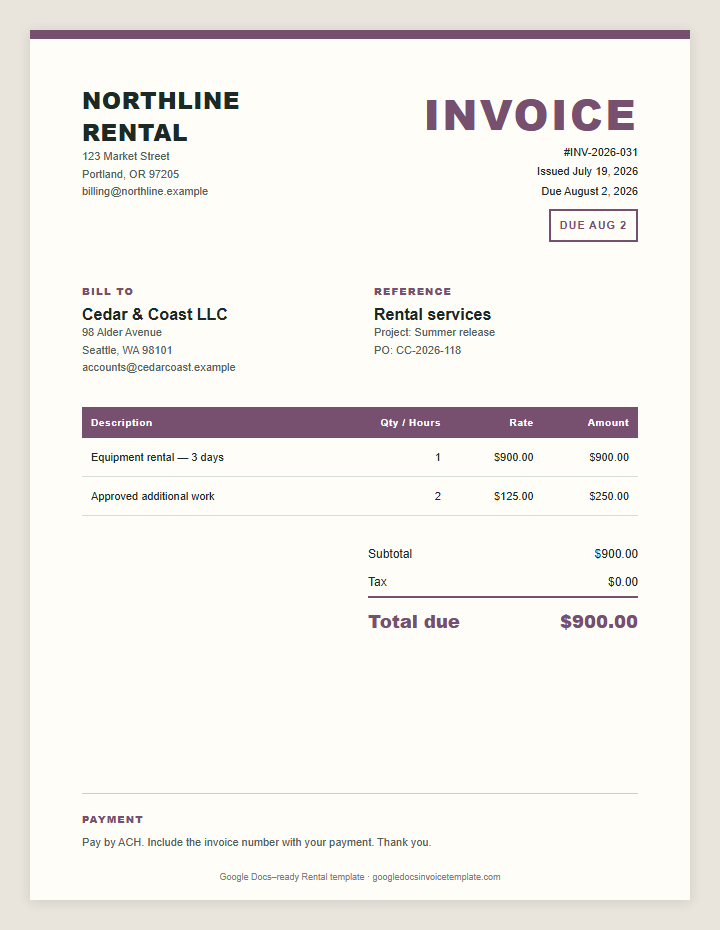
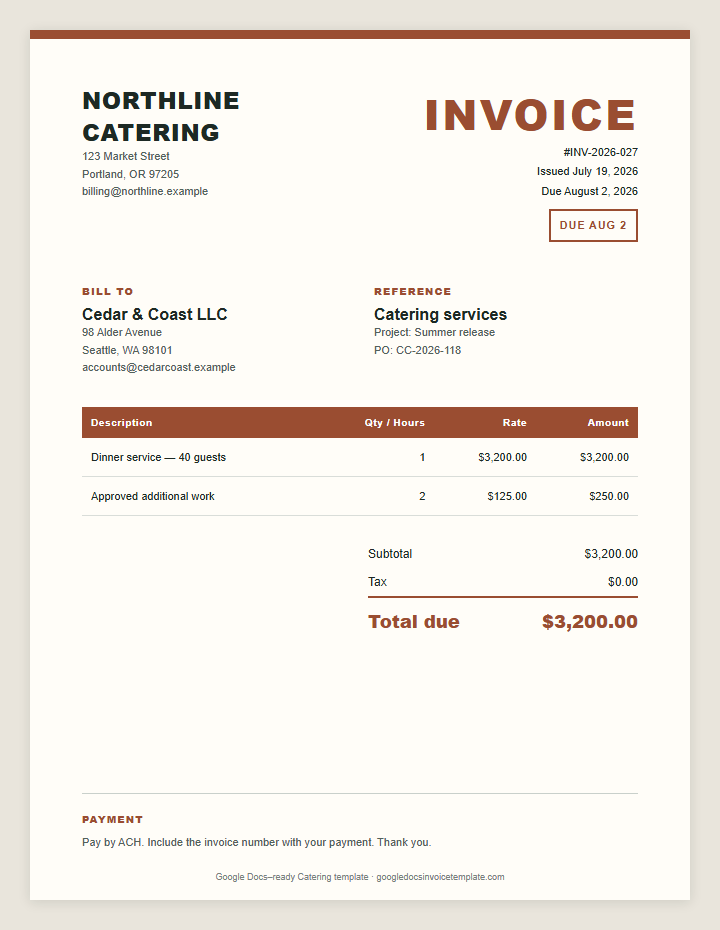
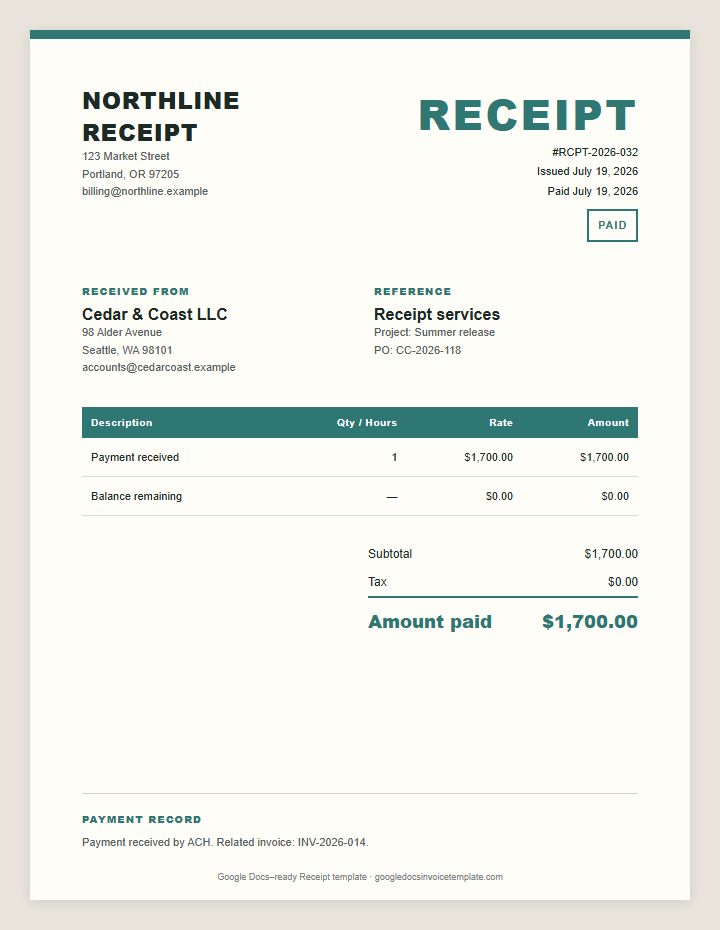
Medical services, rentals, catering, and payment receipts each have fields a generic invoice misses. The medical invoice keeps services, dates, and payment details on one clean page.
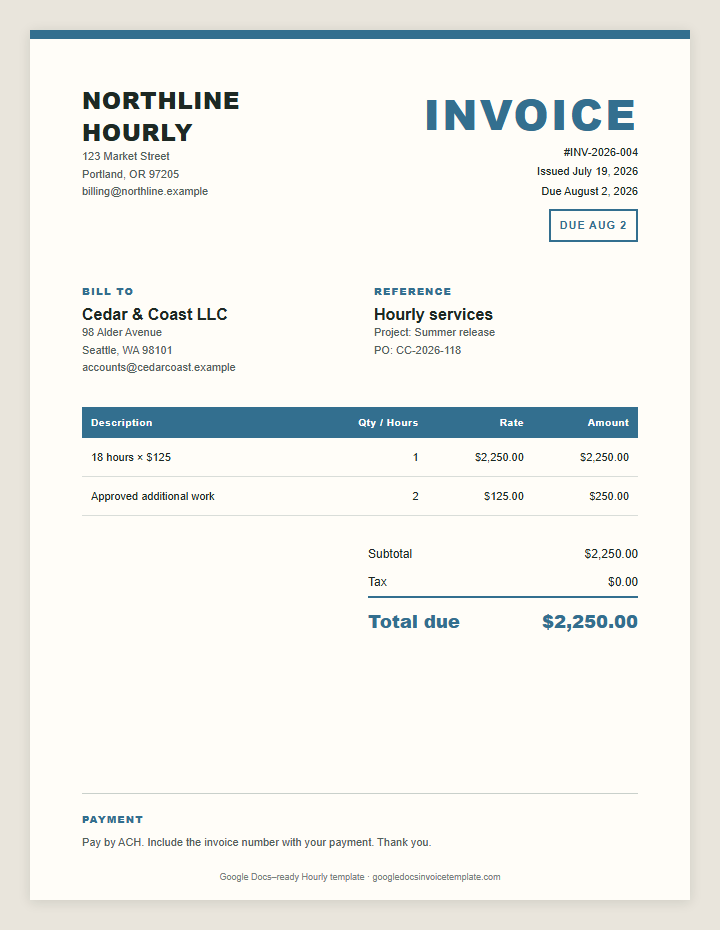
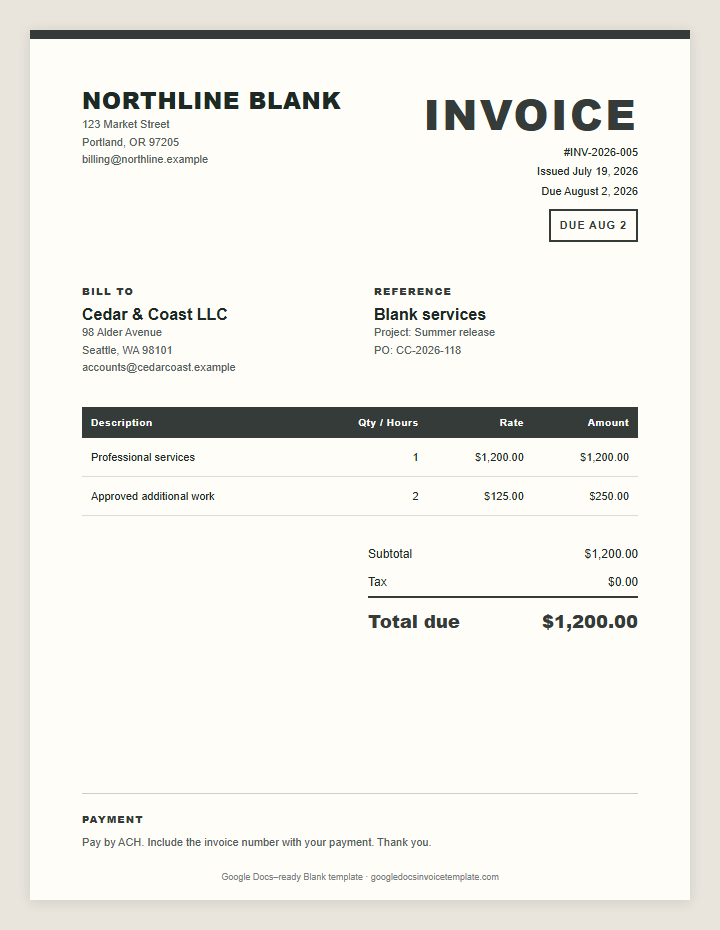
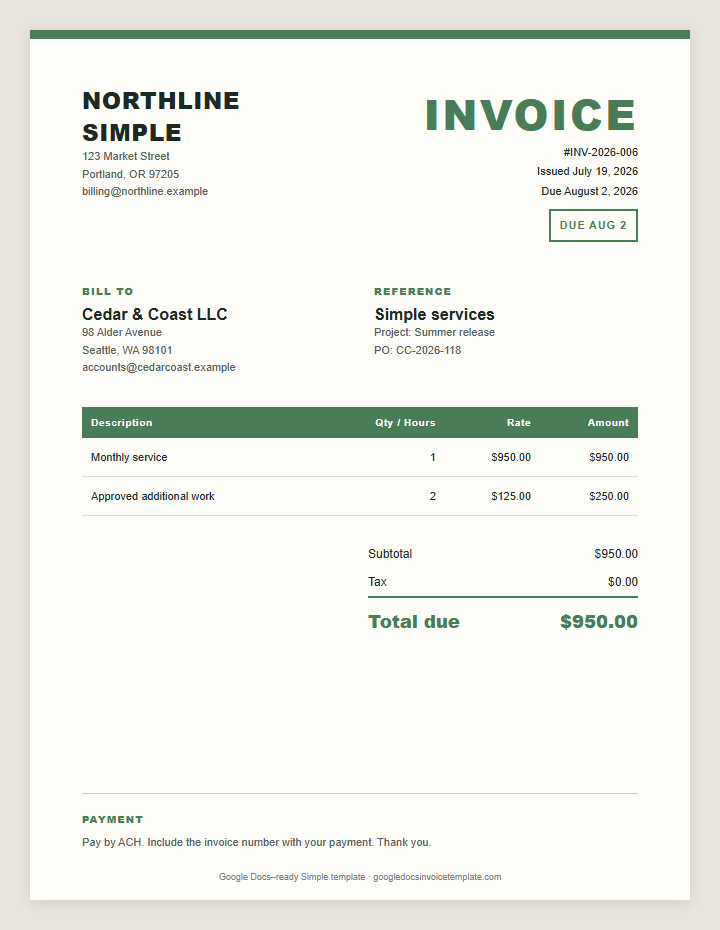
When you do not need industry fields, start from a structure instead: the one-page invoice template for short bills, the hourly layout for time-based work, or the blank layout for mixed products and services.
Go from blank document to client-ready PDF in four steps.
The button copies a formatted invoice layout and opens a new Google Doc. Paste once to place the full invoice in your document.
Add your business name, client, invoice number, issue date, and due date. Rename the file before you forget.
Use one row per service, milestone, product, or expense. Multiply the quantity or hours by the rate. Verify the subtotal, tax, deposit, and balance due.
Choose File → Download → PDF Document. Open the PDF once, check the page break, and email it to your client with a direct payment request.
There is no monthly invoice-software bill. Keep the master file in Drive and make a fresh copy for each client.
Edit the invoice from a laptop, phone, or any browser where you can sign in to Google Workspace.
Share a view-only link when a collaborator needs to check the description, PO number, or billing address before you send it.
Docs keeps the page layout stable. Export a PDF so the client sees the same invoice you reviewed.
Use the generator when you want totals calculated as you type. Fill the same core fields, print the finished invoice, or save it as a PDF. These files remain the main option; use the generator for bills with more line-item math.
Direct answers before you send the invoice.
Google Docs accounts may show a basic invoice in the built-in gallery, but availability varies by account and region. This site gives you 30+ purpose-built options. Pick one, copy it, and edit it in Docs.
Click Make a Copy, paste the copied layout into the new Google Doc, replace the sample details, check the total, then choose File → Download → PDF. Attach the PDF to your client email.
Yes. Use them without a subscription, watermark, or account on this site. You only need a Google account to create and save a document in Google Docs.
The layouts are made for Google Docs. You can download a finished Doc as Word or PDF, but formulas will not appear in Google Sheets. Use the invoice generator when you need automatic totals.
No. Google Docs tables do not run spreadsheet formulas. Calculate quantity × rate and the final total yourself, or use our online generator for automatic arithmetic.
Include your contact details, the client’s details, a unique invoice number, issue and due dates, itemized work, rates, total due, payment method, and clear payment terms.
Use a consistent format: Client-Invoice-Number-Date.pdf. For example: Ridgeline-Studio-INV-2026-014-2026-07-19.pdf. It stays searchable in Drive and email.
Send a PDF for a fixed, professional record. Keep the editable Google Doc in your Drive. If a client needs access, share a view-only link instead of editing access.